If your iPhone 13 audio is going bad and low on speakerphone, but the audio quality is fine on Bluetooth. It is very irritating if our brand new iPhone causes this problem. It kills our confidence in Apple products. The iPhone 13s are very expensive phones in the market. But it has a problem with the speakerphone. There are many people lining up on this issue. But still, Apple doesn't respond to this bug. You don't need to worry; I won't let you face this problem. So I tried to fix this iPhone 13 speaker problem with my workaround solutions. Let's try it. If it works, make me happy.
These steps may help you a little
Solution 1: Forcing the iPhone to restart
Most problems are solved by restarting your iPhone. So let's give it a try.
- Press and release the volume up button once.
- Press and release the volume down button once.
- Now press and hold the power/side button until the Apple logo appears on the screen.
Solution 2: Deactivate loud sound reduction
In the new iOS feature offering, you can reduce the volume when using headphones. So it might be the reason for this problem. Because sometimes this will reduce the speaker sound on your iPhone 13. So let's check it. To do so,
- Starts the Settings on your iPhone.
- Then scroll down the screen and select the sound and haptics option.
- Now choose the headset safety and then scroll down to see Reduce loud sound.
- Deactivate the option Reduce loud sound and check if the problem persists.
Solution 3: Enables use when multimedia content is played back
Some users say that activating this option and increasing the volume solves this problem. To do this,
- Starts the Settings on your iPhone.
- Select the option of Accessibility.
- Play in Audio/Visual and choose the Background Sounds.
- Here, active the option «Use when the content is played back multimedia». Then turn the volume up to the maximum percentage.
Solution 4: Activate mono audio
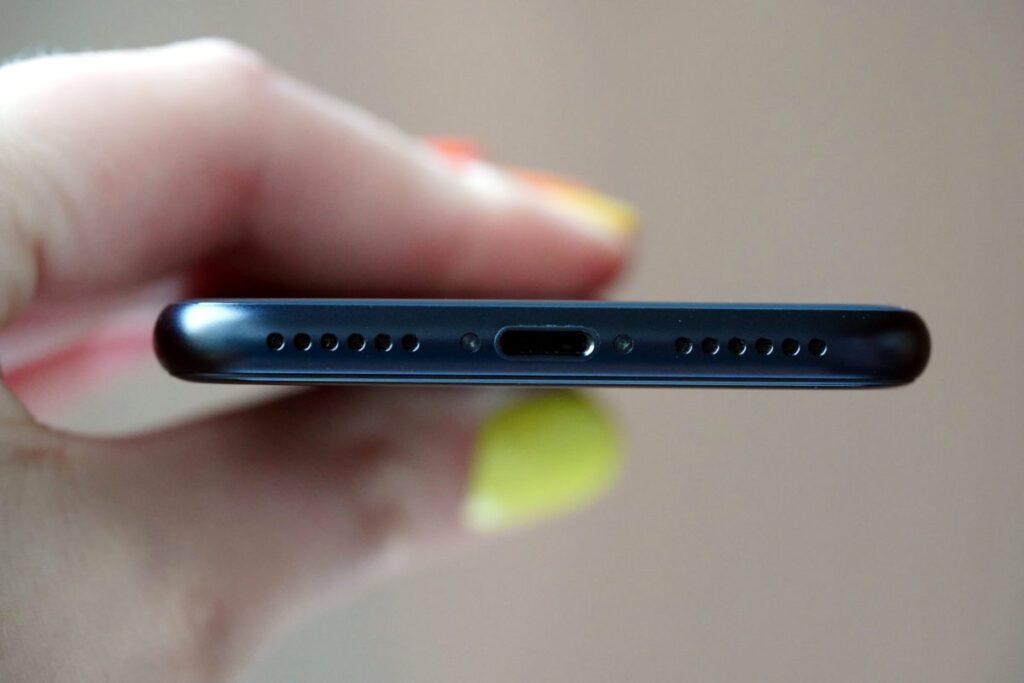
Enabling Mono Audio will help you hear the second speaker on your iPhone. This can also cause this problem. So to do this
- Starts the Settings on your iPhone.
- Select Accessibility and click on the option Audio/Visual.
- Now active the option of Audio Mono. That's all. Now check if your iPhone speaker is working or not.
Solution 5: Check whether your iPhone is in silent mode or not.
If you accidentally put your iPhone in silent mode, this may also be the reason for this problem. So check it. If it is in silent mode, turn it off.
Conclusion