How to repair bluetooth on iPhone when it gives error
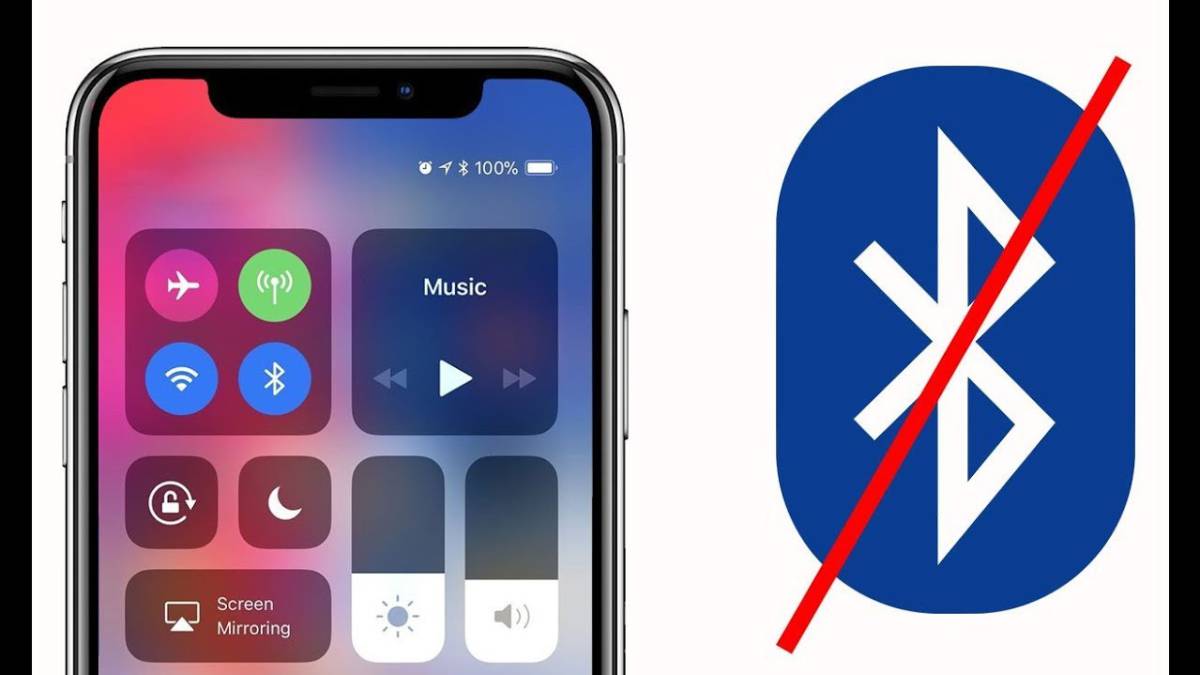
Bluetooth is the wireless technology behind the speakers, headphones, keyboards and other wireless devices that make modern life so mobile. When your iPhone's Bluetooth isn't working, activities like listening to music or connecting to your car's navigation system can become frustrating. Let's take a look at some possible reasons why your iPhone's Bluetooth won't connect and how to solve this problem, so you can get back up and running smoothly.
5 steps to follow when iPhone Bluetooth is not working
Try these troubleshooting tips to get your iPhone's Bluetooth connection working again with a few simple steps.
Turn the iPhone Bluetooth off and on again.
Very often, simply turning off your iPhone's Bluetooth and then restarting your phone can get your Bluetooth connection working properly again.
2. Disconnect the Bluetooth device from the iPhone
If turning your iPhone's Bluetooth off and on does not work, the next option is to disconnect and reconnect the device from the Bluetooth settings.
3. Unpair and re-pair the Bluetooth device with your iPhone.
If the device does not connect at all or does not reconnect after turning it off and on again, try forgetting it and re-pairing it.
4. Hard reset if the iPhone Bluetooth still does not connect.
Resetting your iPhone is a basic troubleshooting step that often solves many common problems, even when your iPhone's Bluetooth is not connecting.
5. Update the iPhone software
If your Bluetooth still does not connect, you may be wondering why your Bluetooth is still not working.
Your iPhone may need a software update.
What to do when the iPhone Bluetooth is not available
When your iPhone's Bluetooth seems unavailable in your Settings, and you have already updated your iPhone software, you may need to reset your Network Settings. This will cause your iPhone to forget all the wifi networks and Bluetooth devices it has previously connected to, so do this only as a last resort.
You can come to one of our stores Datasystem, a company dedicated to the repair of laptops and desktops, data recovery, Apple specialists, computer assemblies and repair of motherboards of all kinds. We have a store located in Calle Doctor Esquerdo n.º 12, and another one in Calle Hernani n.º 13.
With all the features you need
We have experts in computer repair and we know your needs. We have the ability to fix your device at a reasonable price and in the shortest possible time.