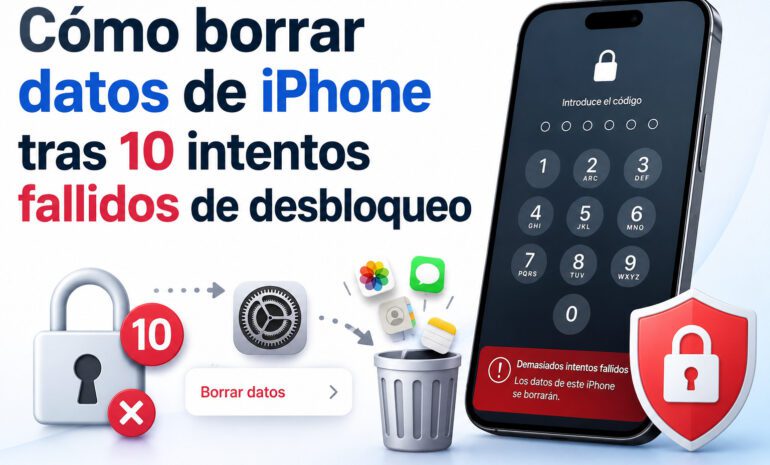
Every phone has to have an operating system for the device to work. The implementation of iOS 10, the operating system used by Apple smartphones. This operating system, being new, has been found to have several bugs and vulnerabilities. With the updates of the operating system, we will be eliminating these bugs.
- Problems with Bluetooth connection.
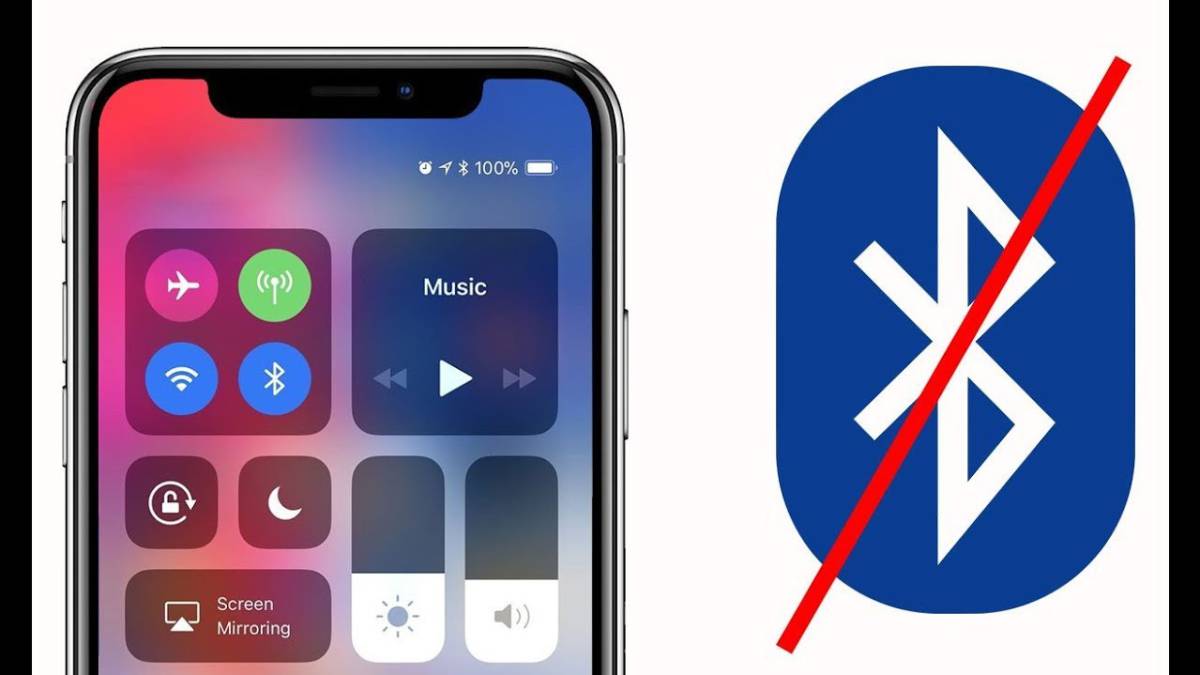
The operating system brought several problems, among them one is related to the Bluetooth connection. There are several errors, but the most serious and recurring error is that the Bluetooth connection is interrupted for no reason. But we must remain calm, since it can be solved. What we will have to do is to reset the network settings.
Go to Settings/General. Then go to Reset/Restore. We will look for the option reset network settings. The process may take a while, but it solves the Bluetooth and WiFi connection errors.
It is very important that if you have data saved in Apple's password manager, iCloud Keychain, you save them, because if we restore the network options, everything inside this app will be deleted.
- The Mail App does not receive mail

There are applications that, with the updates, do not work correctly. One of the most important errors is this, that the default email application installed by default on our device, does not receive messages, which can be very annoying. But, however, this error also has a fairly easy solution.
We will have to access Settings and look for the Mail application. Then, we will look for the account with which the application is failing us. Next, we disconnect or delete the account and then reconfigure it. If the error persists, we recommend that you talk to Apple technical support.
- iOS 10 update error
Operating system updates always include improvements in the operation or vulnerabilities of the system. When we try to update iOS10, we get an error saying: »Software update failed». To fix this problem, we will try repeatedly to install the update. If it fails, we will wait two hours and try again. If this process also fails, we will proceed to update it from iTunes.
- Touch ID does not work in App Store

Touch ID is a technology created by Apple that is used for fingerprint recognition. This is an advance in terms of phone security, including one more layer of security. Normally, when we go to install an application it requires Touch ID. But when Touch ID doesn't work, it demands the password. However, like many bugs, this one has a solution.
First, we will have to check that the option of purchases with a Touch ID is enabled. If it is enabled and does not work, we disable it and re-enable it. Then we restart the mobile by holding the off and Home buttons for ten seconds. Once this is done, the problem should be solved.
- Applications close automatically
Nowadays, there are many applications that, with a given operating system, usually do not work properly. Well, with iOS 10 there are applications that close automatically as soon as you open them. For it to work, we have to make sure that the application is compatible with our operating system, in our case; iOS.
It must be to that the application is not updated, so we can activate the automatic updates option, or manually, from App Store, update it to its latest version, or uninstall and reinstalling it we will have the app with the latest update.