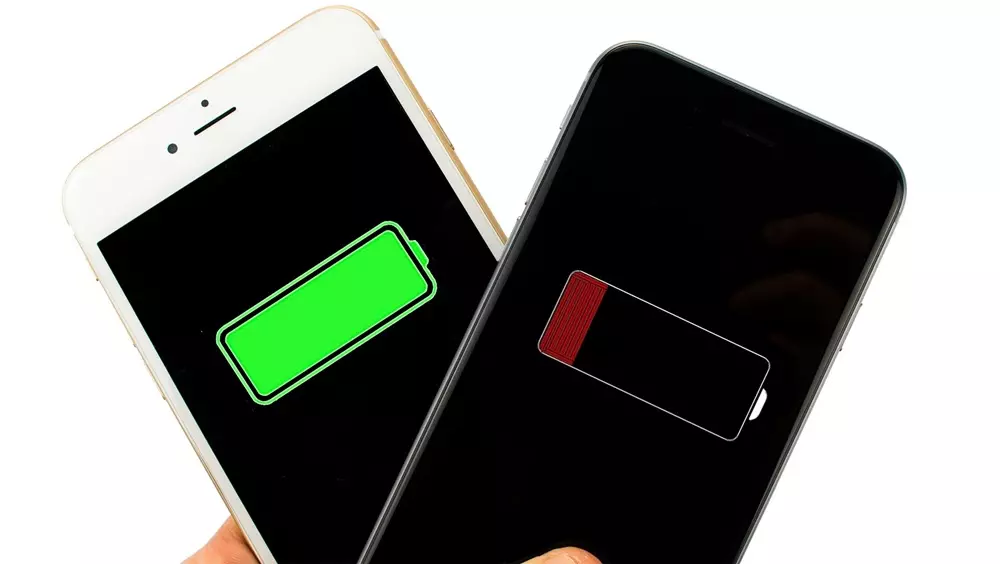
Are you thinking of spending a lot of money to fix your iPhone? No need, are you facing iPhone charging issues? Read this to find the best suitable solution to why an iPhone won't charge when plugged in. If you have plugged in your iPhone and it won't charge, don't go into panic mode. After reading this, your iPhone will require a simple fix from you - become your go-to mobile repair technician!
There are mainly four components in the iPhone charging process:
Power supply/wall charger/computer/car charger
USB charging cable/ Lightning cable
Charging port (on the bottom of your iPhone)
iPhone software
How do you know your iPhone is not charging?
When your iPhone is connected to a power source, you need to look for a lightning bolt icon near the battery icon on your iPhone screen. If the lightning icon does not appear, then there is a problem with your iPhone.
Now let's fix it and talk about solutions.
Here are five quick fixes for iPhone won't charge.

- Fix your iPhone problem with these technical steps.
This is one of the most common problems where your iPhone would stop charging, but honestly, this is not a big deal since the solution is a one-step process.
Solution:
Simply reset your iPhone as follows
Pressing the home button and power button at the same time for your iPhone 6, iPhone 7 and iPhone 8.
Press both volume buttons (up and down) together, along with a power button for iPhone X, iPhone XR, iPhone XS, iPhone 11, iPhone 11 Pro, iPhone 11 Pro Max, iPhone 12, iPhone 12 Pro and iPhone Pro Max to do a hard reset of your iPhone.
Keep holding the buttons until you see the Apple logo appear (this can take anywhere from 5 seconds to 30 seconds). Cross your fingers and try to charge your iPhone now after the reset is complete. This will completely reset your phone.
(Note: If your iPhone software has crashed, then your iPhone screen will go blank.) - Clean dirty/clogged charging port.
This is another very common problem that prevents your iPhone from charging, which can be due to the presence of dust, lint, or deposits of debris inside the charging port, which might have accumulated over time. Even something very small that may have gotten between the charging port and your iPhone can prevent it from making a solid connection with the charging port, thus causing charging problems.
Solution:
Use a toothbrush and gently brush the charging port of your iPhone to look for any deposits inside. A toothbrush works well because the bristles of the brush do not damage any of the internal parts of the phone and also do not conduct electricity.
(Note: Make sure the brush you are using is completely dry). - Check for broken or damaged charging cable
Damaged iPhone charging cable won't charge
This is another very common reason why the iPhone stops charging due to the quality of the charging cable. If you are using an original charging cable, inspect your USB cable well and check for any damage to the cable; this could also be due to poor cable condition or your cable being broken/damaged. Don't be too surprised if you have purchased a poor quality cable.
Solution:
If you have a broken/damaged cable, we recommend that you try another power cord. We also recommend that you use the original power cord that was provided with your initial purchase to be safe. If your USB power cord is under warranty, then Apple can replace your power cord free of charge.
- Check if the USB adapter is not firm
There are many different ways to charge your phone; using a power outlet, computer USB port, car charger or speaker dock socket, but there can also be a problem with the dock you are using. Sometimes the dock is not compatible with your device, which can cause charging problems.
Solution:
Try using another outlet or charging port to charge your phone, and if this is the problem, then your phone should work once you change the port.
(Tip: Try using a wall outlet which usually results in faster charging).
- Check if your iPhone is damaged
If you have dropped your iPhone, or accidentally your iPhone has been in contact with water, then perhaps there could be a problem with your iPhone's internal motherboard.
Solutions:
There are not many options other than replacing your iPhone or having it repaired by a device repair expert.
If you have dropped your phone in water, immediately try putting it in a bag filled with rice and leave it for at least 72 hours. If it still doesn't work, try contacting us for the best possible solution. We do not charge for diagnosis.
INTERNAL LINK: https://reparariphone.biz/tu-iphone-no-carga-5-soluciones-rapidas-para-ello/
EXTERNAL LINK: https://www.reparacionordenadoresmadrid.org/