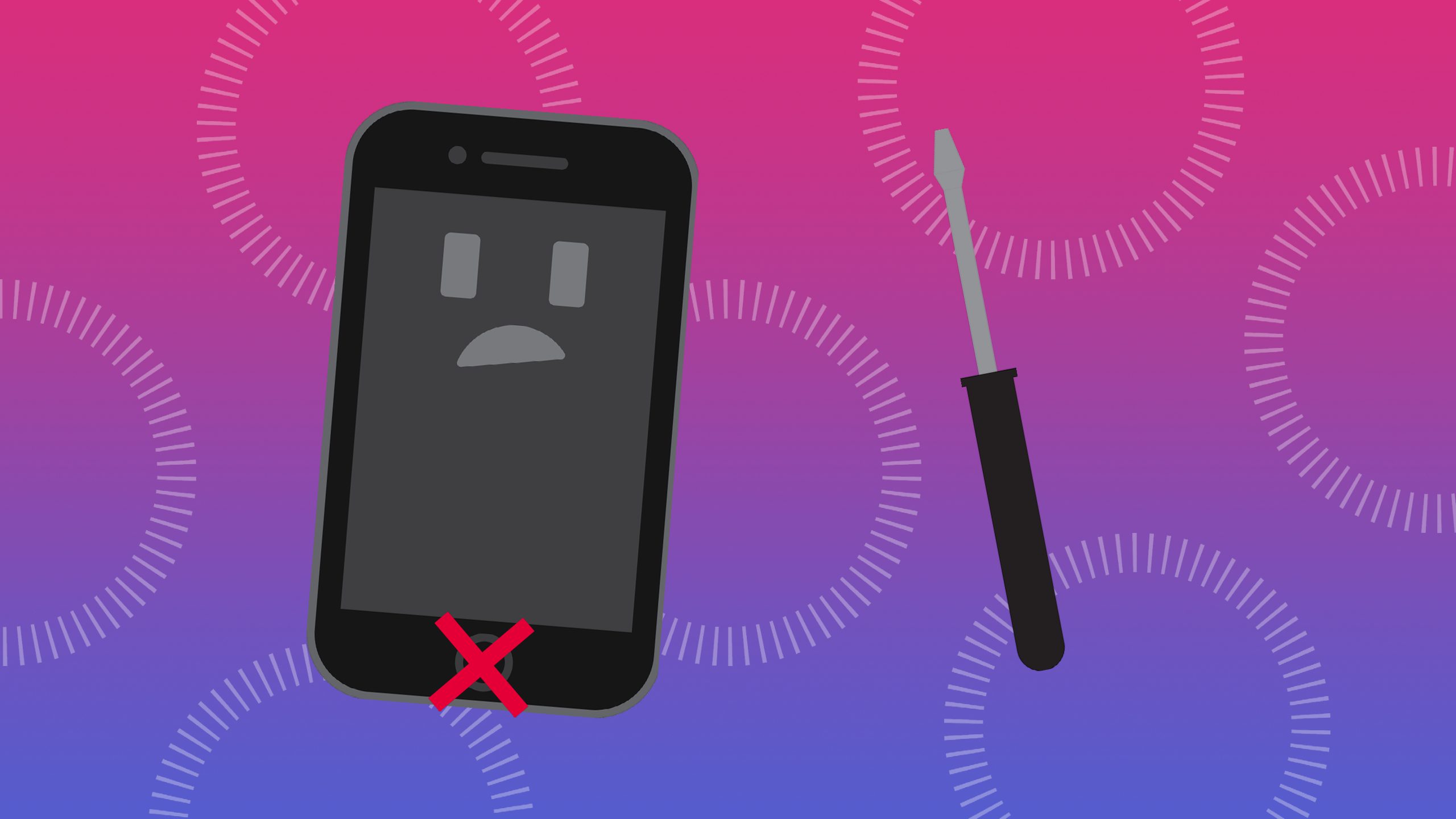
Here are the best ways to repair your iPhone's home button if it is not working
Before we begin, we should clarify that these fixes work with all iPhone models.
Add an AssistiveTouch home button to the screen
There are many hidden accessibility features on your iPhone. One of these is a perfect solution that allows you to still use your iPhone when the home button doesn't work. It's called AssistiveTouch and was designed by Apple for people who have difficulty using physical buttons.
You can enable AssistiveTouch from Settings to add a software-based Home button to your iPhone screen. It does not repair the Home button, but allows you to continue using your iPhone without a working Home button.
It's worth taking a moment to customize the AssistiveTouch options from Settings to make it as useful as possible. If you only use it as a Home button, you can even make that the only option, so you no longer need to open a pop-up menu.
Recalibrate the start button
You can use this trick to fix the Home button on any applicable device. The worst thing that could happen is that the home button still won't work after trying it.
If «recalibrate» did not fix your start button, try repeating the process several times. Some users reported that their start button started working after three or four attempts.
Restore the firmware on your iPhone
This is not a quick method, but it could still be the fastest way to get your iPhone's home button working. Many times, when the home button doesn't work, it's due to a flaw in your iPhone's software or firmware. You can fix these problems for free by restoring your device using DFU mode.
When you do this, erase all the data on your iPhone. Therefore, you must first make sure you have a recent backup of your iPhone.
Restoring your iPhone with DFU mode rewrites every part of the software and firmware. Sometimes this takes a while.
Clean the start button with isopropyl alcohol.
As you use the Home button over the life of your iPhone, it is likely to accumulate dirt and grime. That dirt could clog the mechanism, which could explain why the Home button stopped working.
Unfortunately, this tip can't help if the home button on your iPhone 7 or iPhone 8 doesn't work because those devices don't have a mechanical button.
Use your charger to press against the start button.
The home button connects to other components inside your iPhone using a fragile cable near the charging port. Some people have fixed their home button by applying a small amount of pressure to this area, presumably because doing so reconnected the cable.
Of course, you should be very careful when attempting this. You don't want to break anything inside your iPhone. You should also be careful not to break the Lightning or 30-pin connector inside the charging port, which can be nearly impossible to remove.
You should find that this fixes the home button on your iPhone for a few weeks or more. However, you will probably need to replace the Home button on your iPhone eventually. With an iPhone 7 or later, you cannot replace the home button, so you may need to replace your iPhone.
You can come to one of our stores Datasystem, a company dedicated to the repair of laptops and desktops, data recovery, Apple specialists, computer assemblies and repair of motherboards of all kinds. We have a store located in Calle Doctor Esquerdo n.º 12, and another one in Calle Hernani n.º 13.
With all the features you need
We have experts in computer repair and we know your needs. We have the ability to fix your device at a reasonable price and in the shortest possible time.