Note:
Before repairing the charging port it will need to be cleaned and tested for charging after doing so.
Cleaning options
1.-Use compressed air
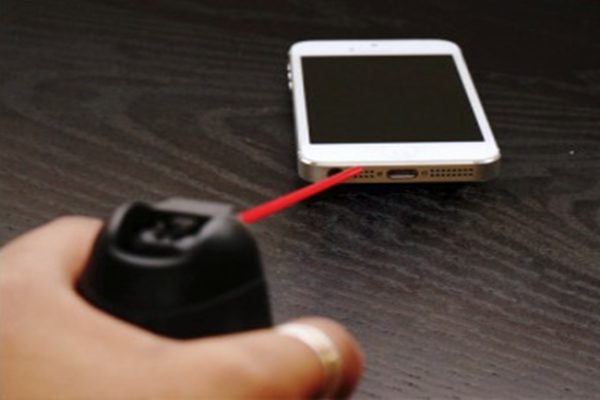
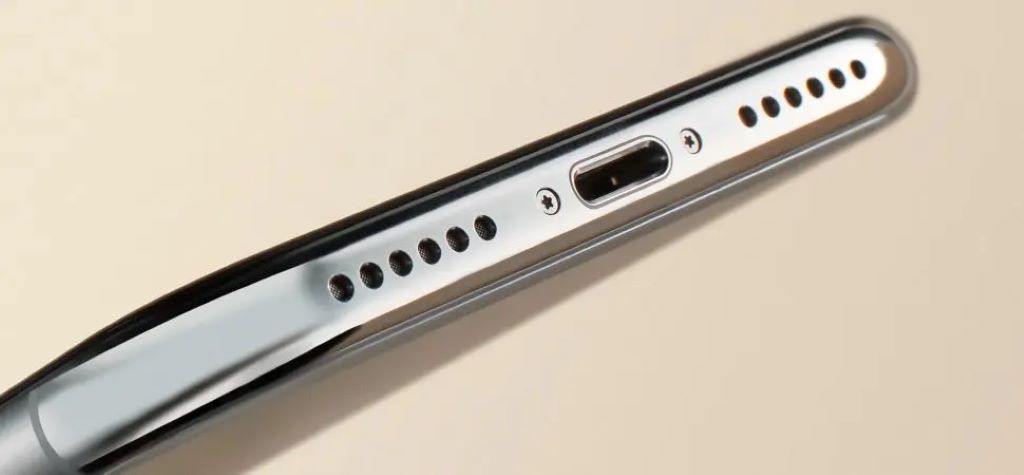
One of the best options for cleaning the iPhone charging jack is to use a can of compressed air, which you can buy at any hardware store, warehouse or through online stores.
Hold the can close to the port (but not too close), and certainly do not try to put the nozzle inside, so as not to damage the delicate parts. Once this is done, spray the air in very short, light bursts.
We advise you to resist the temptation to blow on the port: the humid and hot air from the human mouth will not favor the inside of the port and its contact points. After having carefully sprayed a puff of air on the port, wait a few seconds and then try to connect the charging cable again and check if it is detected by the phone.
If the air has cleared dust or debris stuck in the port, then it should be working fine again.
2.- Use toothpicks
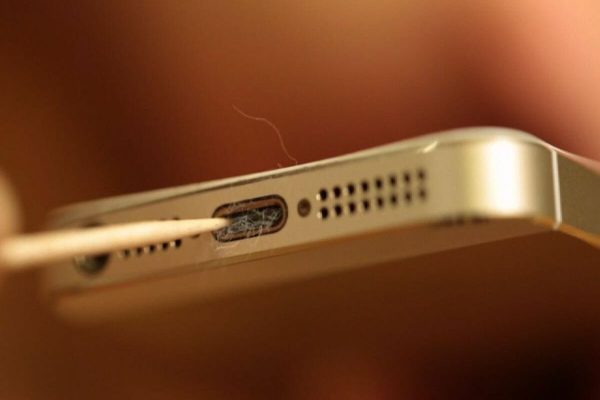
Sometimes, a canister of air is not going to be enough. There could be dirt accumulated in the port that the air can't take care of, or a particle lodged too tightly that can't be easily removed. In these cases, you can try cleaning a little by using a thin object inside the charging plug.
Again, all the dangers we have mentioned still apply, so it is important to be as careful as possible. Ideally, use a toothpick as a tool, as wood is softer and more flexible than plastic or metal.
With the toothpick in your hand and the iPhone turned off, find a place with good lighting, such as under a desk lamp. Lightly insert the tip of the toothpick into the charging jack and gently wiggle it.
Internal link: https://reparariphone.biz/reparacion/
External Link: https://www.youtube.com