You can use Find My iPhone to locate your iOS device if it has been lost or stolen. The free service provided by Apple uses the iPhone's built-in GPS so that you can track the location of your phone. Even better, it allows you to do things like lock the phone over the Internet so that the person who has it can't use it or remotely wipe all data from the phone.
Find My iPhone: the service and the application are different
If your phone was stolen and you didn't have the Find My iPhone application installed, you don't need to worry, because the Find My iPhone application is not necessary to track your iPhone. To understand why this is the case, you need to understand that the service and the Find My iPhone app are different things.
The Find My iPhone service is cloud-based. This is an important point. The app is not what makes Find My iPhone work.
In fact, because it's a cloud-based service, you don't need an app at all. You can use Find My iPhone in virtually any web browser. Simply go to iCloud.com and sign in with the Apple ID you used to set up your iPhone.
What is the purpose of the Find my iPhone application?
The app is really just another way to track your lost or stolen iPhone.
Using the Find My iPhone app is basically the same as signing in to iCloud to use the service as described in the last section. The idea is not that you install the app on your phone to find it when it gets lost. Instead, you install the app on someone else's phone to use while trying to find your lost phone.
You can use the Find my iPhone service on a PC to track a lost phone. But if you're trying to find your iPhone while on the move, doing so from a friend or family member's phone using the app is easier than carrying a laptop around the house or in a car.
The Find My iPhone capture and the good news
You now know that you don't need the app to use Find My iPhone, but there is another important requirement: you must have activated Find My iPhone before your phone was stolen.
This is not something that can be enabled after you lose your phone, whether you have the app or not. Find My iPhone must be enabled on your phone before it is lost if you want to find the phone.
Good news: in iOS 9 and later, Find my iPhone is automatically activated during the iPhone configuration process if you enable iCloud. So, if you've had iCloud running, it's a good bet that it's also running Find My iPhone. Otherwise, be sure to enable Find My iPhone right away.
What to do if your phone is lost or stolen
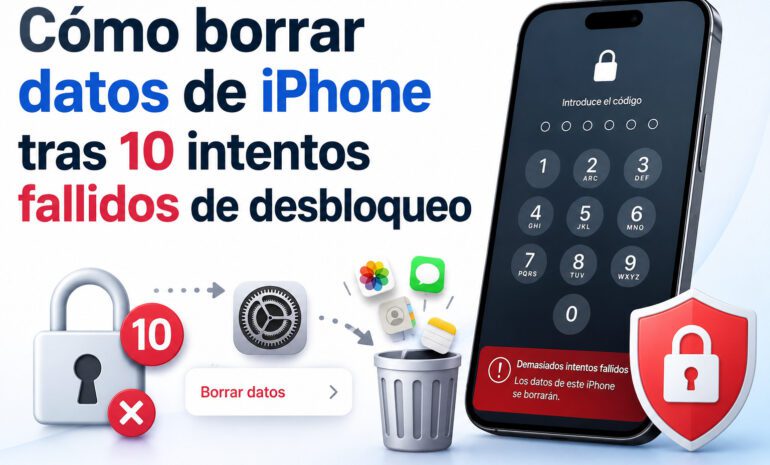
If your iPhone has been stolen, the first thing to do is to protect your personal data. Use Find My iPhone to change the passcode or erase all data. Be sure to also remove your credit card information from Apple Pay through iCloud.
There is also a version of Find My iPhone specifically designed to help you find lost Apple AirPods.
You can come to one of our stores Datasystem, a company dedicated to the repair of laptops and desktops, data recovery, Apple specialists, computer assemblies and repair of motherboards of all kinds. We have a store located in Calle Doctor Esquerdo n.º 12, and another one in Calle Hernani n.º 13.
With all the features you need
We have experts in computer repair and we know your needs. We have the ability to fix your device at a reasonable price and in the shortest possible time.